The first time I tried to explain crypto wallets to my younger brother, I watched his face go from interested to confused to slightly panicked in about ninety seconds.
“Wait — so it’s not actually stored in the wallet?”
“And if I lose this phrase of words, the money is just… gone forever?”
“Why would anyone use this system?”
These are genuinely good questions. And they’re the exact questions most beginners have but don’t always ask out loud before making decisions they later regret.
I’ve used probably a dozen different wallets over the past few years — some great, some frustrating, and one that I set up incorrectly and then spent two very stressful hours recovering access to. I’ve watched friends make expensive mistakes because they didn’t understand what they were actually choosing when they picked a wallet.
So here’s the honest, practical guide I wish someone had given me at the start. Not a ranked list of features — a real explanation of what wallets are, what the differences actually mean, and which ones make sense depending on where you are in your crypto journey.
Let’s Clear Up the Biggest Misconception First
Your crypto is not stored in your wallet.
I know that sounds strange. It tripped me up too at first.
Your actual crypto — your Bitcoin, your Ethereum, your USDC — lives on the blockchain. The blockchain is a global, distributed ledger that’s permanently recording who owns what. That record doesn’t live in any single device or app.
What your wallet stores is your private key — a cryptographic password that proves you have the right to move the crypto associated with your address. Think of the blockchain as a safety deposit box, and your private key as the only key that opens it.
This distinction matters enormously because it changes how you think about security. Losing your wallet app doesn’t mean losing your crypto — as long as you have your private key (usually represented as a 12 or 24-word “seed phrase”). But if someone else gets your private key, they have full access to your funds. No password reset. No customer support. No recourse.
Once that clicks, the rest of wallet security makes intuitive sense.
The Two Main Categories: Custodial vs Non-Custodial
Before getting into specific wallets, there’s one fundamental choice to understand.
Custodial wallets are managed by a company. When you hold crypto on Coinbase, Binance, or any exchange, you’re using their custodial wallet. You log in with a username and password. You can reset that password if you forget it. The private keys are held by the company, not you.
The upside: it works exactly like any app you’ve ever used. Familiar, recoverable, customer support available.
The downside: you’re trusting that company completely. If the exchange gets hacked, goes bankrupt, freezes withdrawals, or gets shut down by regulators — your funds could be at risk. This has happened. FTX is the most famous example, but it’s not the only one.
Non-custodial wallets give you full control. You hold the private keys yourself. No company can freeze your funds or lose them due to their own failures. But if you lose your seed phrase and can’t access your wallet, nobody can help you recover it. The responsibility is entirely yours.
The phrase you’ll hear in crypto circles: “not your keys, not your coins.” It’s a blunt way of saying that custodial holdings carry a risk that’s easy to overlook.
For small amounts while you’re learning, custodial is fine. For anything significant you plan to hold long term, understanding non-custodial wallets is important.
Custodial Options Worth Knowing
Coinbase
If you’re brand new to crypto and want the gentlest possible introduction, Coinbase is where most people start — and for good reason.
The interface is clean. Buying crypto is straightforward. The app walks you through each step. Customer support exists. Two-factor authentication is well-implemented. For a first purchase of Bitcoin or Ethereum while you’re learning the basics, Coinbase is perfectly reasonable.
The trade-offs: fees are higher than most competitors, and the selection of coins is more limited than exchanges like Binance or Kraken. But for a beginner who wants simplicity above all else, these trade-offs are worth it.
One thing I appreciate specifically: Coinbase has a “Coinbase Wallet” product that’s actually a separate, non-custodial wallet. Don’t confuse them. The main Coinbase app/exchange is custodial. Coinbase Wallet (the standalone app) is non-custodial and requires managing your own seed phrase.
Binance
Binance is the largest crypto exchange in the world by trading volume and supports an enormous range of coins. For someone who wants access to more assets beyond Bitcoin and Ethereum, Binance has most of what you’d be looking for.
The interface is more complex than Coinbase — there’s a lot happening on the screen. But the basic buy/sell/hold functionality is accessible once you navigate past the trading features.
The caveat worth knowing: Binance has faced regulatory challenges in various countries. Check the current status and regulatory standing in your country before using it as your primary custodial option.
CoinDCX and WazirX (For Indian Users)
Both are India-based exchanges with INR on-ramps, which makes the buying process significantly simpler for Indian users compared to using international exchanges. CoinDCX has been my recommendation for Indian beginners specifically — cleaner interface, reasonable fees, and the ability to buy with UPI makes the first purchase frictionless.
Non-Custodial Software Wallets — Your First Step to Self-Custody
MetaMask
MetaMask is the most widely used non-custodial wallet for Ethereum and EVM-compatible blockchains (Arbitrum, Polygon, BNB Chain, Base, etc.). It’s a browser extension and mobile app.
Setting up MetaMask gives you a seed phrase — 12 words that you must write down and store safely. This is the most important thing you’ll do during setup. Those 12 words are your wallet. Lose them and lose access permanently. Anyone who gets them has full control of your wallet.
I learned this lesson almost the hard way. During my first MetaMask setup, I took a screenshot of my seed phrase on my phone. Convenient for me — and also convenient for anyone who ever accessed my phone photos or had those photos sync to a cloud service. Screenshots of seed phrases are a serious security risk. Write them on paper. Store that paper somewhere safe.
MetaMask works with virtually every Ethereum DeFi platform — Uniswap, Aave, OpenSea, Curve. If you want to use DeFi, you’ll need it or something like it.
The limitation: MetaMask is an Ethereum-focused wallet. It doesn’t natively support Bitcoin, Solana, or other non-EVM blockchains.
Phantom
Phantom is the MetaMask equivalent for Solana. Clean interface, browser extension and mobile app, works with virtually every Solana application and most Solana-based meme coins and DeFi protocols.
If you’re exploring anything on Solana — which has become a very active ecosystem in 2026 — Phantom is the standard wallet to use. It’s also expanded support for Ethereum and other chains, making it increasingly versatile.
Setup is the same as MetaMask: you get a seed phrase, you write it down, you store it safely, you do not screenshot it, you do not share it with anyone ever.
Trust Wallet
Trust Wallet is a mobile-first non-custodial wallet that supports an enormous range of blockchains — over 70 networks and millions of tokens. For someone who holds assets across multiple chains and wants one app to see everything, Trust Wallet is worth considering.
It’s owned by Binance but operates as a separate, non-custodial product — your keys are yours. The interface is cleaner than MetaMask on mobile, and the built-in token swapping feature is convenient for small trades.
I used Trust Wallet as my primary mobile wallet for about a year. The main limitation I found: it’s less well-integrated with DeFi applications than MetaMask. Some protocols work better with MetaMask specifically.
Coinbase Wallet (Standalone App)
Not to be confused with the Coinbase exchange — this is a separate, non-custodial wallet app. The advantage is that it integrates smoothly with the Coinbase exchange while giving you actual self-custody of your keys.
For someone already using Coinbase as their exchange, Coinbase Wallet is a natural next step when they’re ready to move funds off the exchange into self-custody. Familiar interface, good DeFi browser, and it works well as a bridge between the centralized exchange experience and the self-custody world.
Hardware Wallets — The Gold Standard for Security
Once you’re holding an amount of crypto that would genuinely hurt to lose — whatever that number is for your financial situation — it’s time to think seriously about a hardware wallet.
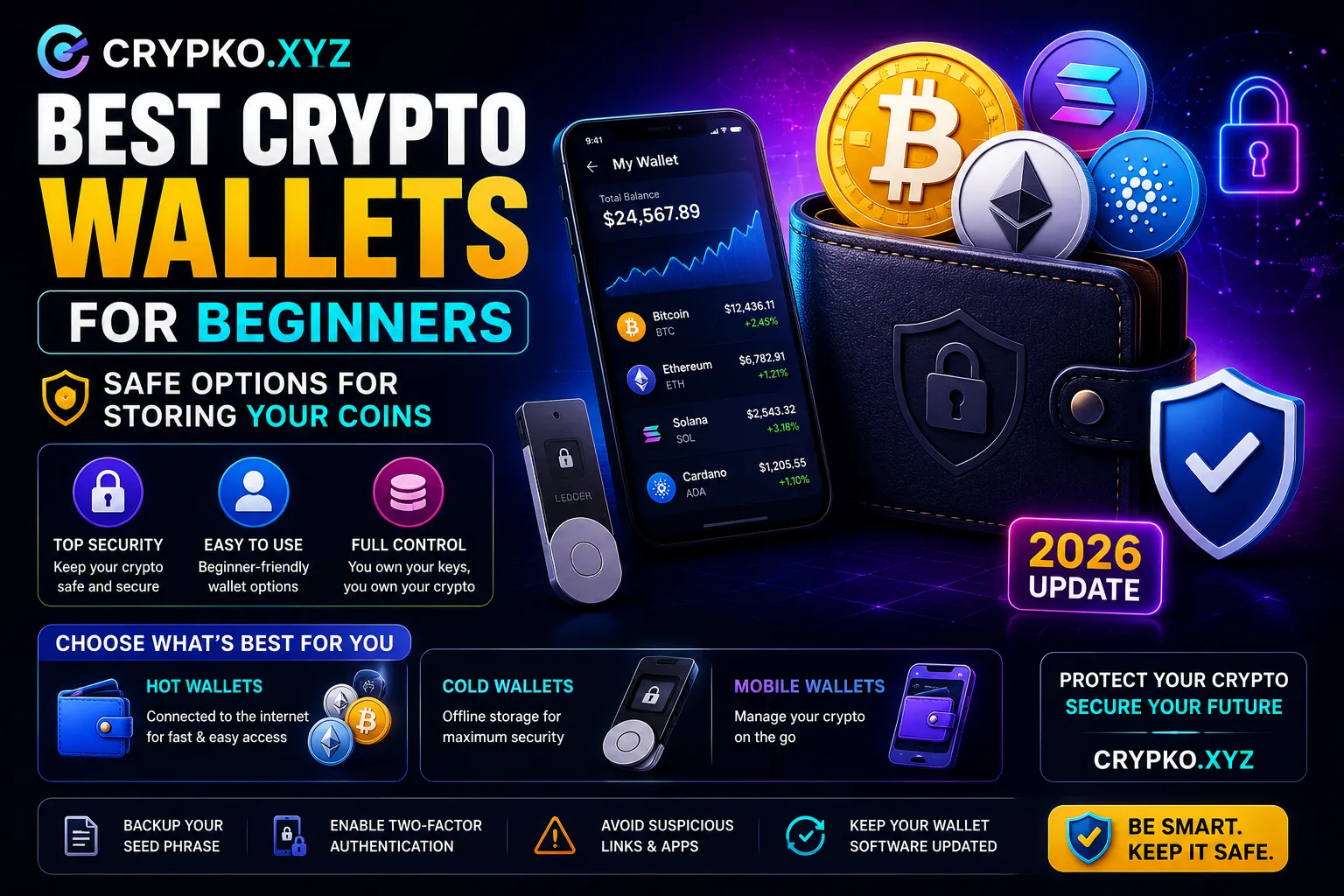
A hardware wallet is a physical device, roughly the size of a USB drive or small remote, that stores your private keys offline. Because the keys never touch an internet-connected device, they cannot be stolen through malware, phishing websites, or exchange hacks. The device signs transactions internally — your private key never leaves the hardware.
Ledger
Ledger is the most widely used hardware wallet brand. The Ledger Nano X (Bluetooth-enabled, works with mobile) and Ledger Nano S Plus (USB only, more affordable) are the main products.
Setup takes about 20 minutes. You receive a 24-word seed phrase during setup — this is even more critical to store safely than software wallet phrases, because this is the backup for a device that physically exists and can be lost or damaged.
Ledger supports thousands of tokens across dozens of networks. You manage it through Ledger Live software on your computer or phone. It works with MetaMask too — you can use your Ledger as the signing device while still using MetaMask as your interface for DeFi.
One thing to know: Ledger had a data breach of their customer email database a few years ago. The wallets themselves weren’t compromised — the device security is sound — but Ledger customers received phishing emails targeted specifically at them. This is worth knowing as part of your security picture.
Trezor
Trezor is Ledger’s main competitor, made by a Czech company called SatoshiLabs. The Trezor Model T and the newer Trezor Safe 3 are the current products.
The key difference that Trezor advocates care about: Trezor’s firmware is fully open-source. Every line of code that runs on the device is publicly auditable. Ledger’s firmware has some closed-source components, which some security-conscious users object to on principle.
For practical purposes, both devices offer excellent security for regular users. The choice between them often comes down to personal preference, budget, and which supported coins you need.
I personally use a Ledger Nano X for most of my holdings and a Trezor Model T that I set up separately as a backup/experiment. Both have been reliable. The open-source argument for Trezor is philosophically appealing but practically makes little difference for how most people use these devices.
Coldcard
Coldcard is the most security-focused hardware wallet available, used primarily by advanced Bitcoin holders who want maximum control and auditability. It’s more complex to use, more expensive, and designed for people who genuinely understand what they’re doing.
Not for beginners. Mentioning it only so you know it exists when you reach the point of wanting maximum security for significant Bitcoin holdings.
How to Set Up Your First Non-Custodial Wallet — Step by Step
Taking MetaMask as the example since it’s the most common starting point:
Step 1 — Download from the official source only. Go to metamask.io directly. Do not search for it on Google and click the first result — there are fake MetaMask websites in Google ads that install malware. Type the URL directly or use a bookmark.
Step 2 — Install the browser extension. Available for Chrome, Firefox, Brave, and Edge. Click “Create a new wallet.”
Step 3 — Create a password. This password protects the wallet on your specific device. It is not your seed phrase — it’s just the app password.
Step 4 — Write down your seed phrase. MetaMask will show you 12 words in a specific order. Write every single word, in order, on paper. Then write it again on a second piece of paper for backup. Do not type it anywhere. Do not screenshot it. Do not save it in a notes app or cloud document.
Step 5 — Verify the seed phrase. MetaMask will ask you to confirm the words in order. This step exists so you’re forced to actually check that you wrote them correctly.
Step 6 — Store your seed phrase securely. The two paper copies should be stored in different physical locations. Some people use fireproof safes. Some use bank safety deposit boxes. The threat you’re protecting against is physical loss or damage — fire, flood, someone finding one copy.
Step 7 — Test with a tiny amount first. Before sending any significant funds to your new wallet, send a small test amount — the equivalent of a few dollars — to confirm you can receive it and that everything works as expected.
Common Mistakes That Cost People Real Money
Storing seed phrases digitally. Screenshots, notes apps, email drafts, cloud documents — any of these can be accessed by hackers. Seed phrases belong on paper in a secure physical location.
Using the same wallet for everything. Connecting your main wallet to every new DeFi protocol and every NFT mint means every interaction is a potential attack surface. Use a secondary wallet with limited funds for experimenting with new platforms.
Buying a hardware wallet from a third-party seller. Hardware wallets should only be purchased directly from the manufacturer’s official website or their official authorized retailers. A device bought from Amazon, eBay, or any marketplace could be tampered with. Compromised hardware wallets are a real documented attack.
Not updating firmware. Hardware wallet manufacturers release firmware updates that patch security vulnerabilities. Keeping your device updated through the official software (Ledger Live, Trezor Suite) matters.
Panicking when you get a new phone and thinking your crypto is on your old phone. Your crypto isn’t on the phone — it’s on the blockchain. Your wallet is recoverable on any device using your seed phrase. This is one of those moments where understanding the “your wallet stores keys, not crypto” concept really pays off.
Setting up a hardware wallet and then never testing recovery. Set up the hardware wallet. Then pretend you just bought a new device and recover the wallet from your seed phrase on the Trezor/Ledger Suite. Go through the process once, successfully, while it’s low-stakes. That practice will save you enormous stress if you ever actually need to do it in a real situation.
A Simple Starting Framework
For someone just getting started, here’s the progression that makes sense:
Phase 1 — First purchase: Use Coinbase or CoinDCX. Buy a small amount. Learn how the exchange interface works. Don’t worry about self-custody yet — the custodial experience is fine for small amounts while you learn.
Phase 2 — First non-custodial wallet: Set up MetaMask or Phantom (depending on whether you’re exploring Ethereum or Solana ecosystems). Transfer a small amount from the exchange. Understand how seed phrases work. Use it to interact with one or two DeFi applications.
Phase 3 — Hardware wallet: Once your holdings reach an amount you’d seriously miss losing, get a Ledger or Trezor. Move the bulk of your holdings there. Keep only what you need for active use in your software wallet.
The timing of Phase 3 is personal — different people have different thresholds. But the principle is: the more you have to lose, the more the effort of hardware security is justified.
My brother, by the way, ended up starting with Coinbase, moved to Phantom after getting interested in Solana projects, and bought a Trezor about eight months into his crypto journey. A pretty sensible progression.
He still texts me occasionally with questions. But that first conversation about why wallets work the way they do — and taking the time to really explain the seed phrase thing — meant he hasn’t made any of the mistakes that tend to be expensive.
That’s what understanding the fundamentals does. It’s not exciting knowledge, but it’s the knowledge that keeps your money safe.